Image
NewA closer look, one image at a time. Display an image or open an immersive preview with zoom and rotation controls.
Basic
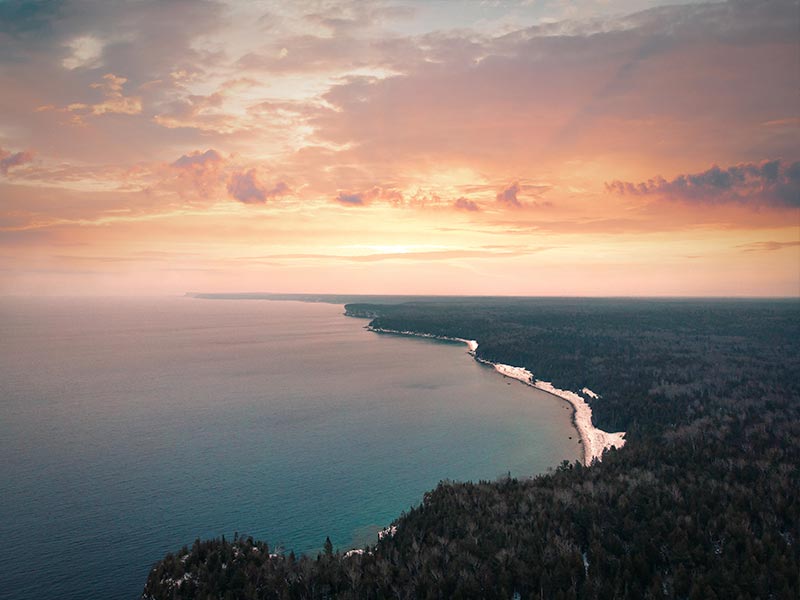
A responsive image with native alternative text, dimensions and loading behavior.
Preview
Click the image or focus it and press Enter to open the preview. Zoom, rotate or reset the view using the toolbar.
Template
Customize the hover indicator, thumbnail and preview content. The viewer applies zoom and rotation around your preview template.
Usage and API
import { AvImage } from 'avero-ui';

<av-image src="landscape.jpg" alt="Coastline at sunset" width="320" />

<av-image src="thumbnail.jpg" previewSrc="landscape.jpg"
  alt="Coastline at sunset" width="320" preview />

<av-image src="landscape.jpg" alt="Coastline at sunset" preview>
  <ng-template #indicator><span>View image</span></ng-template>
  <ng-template #image>
    <img src="thumbnail.jpg" alt="Coastline at sunset" width="320" />
  </ng-template>
  <ng-template #preview>
    <img src="landscape.jpg" alt="Coastline at sunset"
      style="width: 100%; height: 100%; object-fit: contain" />
  </ng-template>
</av-image>
Import AvImage. Inputs: src, alt, width, height, srcSet, sizes and loading (eager or lazy). Images shrink to fit their container. Use meaningful alt text, or an empty string for decorative images.
Enable preview to show an accessible trigger. previewSrc and previewAlt optionally provide a different full-size source and description. previewLabel names the trigger and dialog. #image, #indicator and #preview replace their respective content; keep custom images responsive and avoid interactive elements inside the thumbnail button.
Access the component with #imageRef="avImage" to call open() or close(). onShow and onHide report viewer visibility; onImageError reports native image loading failures. Custom templates handle their own loading and errors.
The preview supports zoom from 50% to 300%, 90° rotation and Reset. Scroll to explore enlarged images. Every new opening starts at 100% with no rotation. Tab moves through controls, Enter or Space activates buttons, and Escape closes the viewer and restores focus.
Customize thumbnail corners with --av-image-radius. For collections, use Galleria. Reference: PrimeNG Image.